
BGP Session Down: A Practical Troubleshooting Sequence
A structured checklist for BGP neighbors that are Idle, Active or repeatedly resetting.
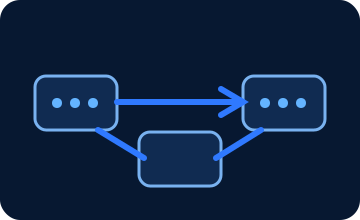
Start below BGP
Verify reachability to the peer address using the intended source. Check interface state, VRF, underlying route, ACLs, and whether TCP port 179 can be established between the expected endpoints.
For loopback or multihop peering, confirm the update source and route to the peer. Correct routing policy cannot compensate for a missing transport path.
Use state and reset reason as evidence
Idle, Active, and repeatedly resetting Established sessions point toward different checks. Look at the last reset reason, notification code, hold timer behavior, authentication messages, and transport errors.
If the session briefly establishes and then drops, compare timers, maximum-prefix limits, address families, authentication, and recent policy changes.
Verify route exchange after Established
Compare neighbor addresses, remote AS, authentication, update source, multihop settings, address families, and shutdown state on both ends. A focused config diff is valuable after maintenance.
Established does not guarantee healthy forwarding. Confirm expected prefixes are received and advertised, next hops resolve, and traffic follows the intended path before closing the incident.